Edit Text in Image with AI Magic
Upload your image, select the text, type the replacement, and watch AI match the original style and context in seconds.
Upload your image
Drag and drop an image, or click to browse
Works best for product photos, social posts, screenshots, and ad mockups.
Supports PNG, JPG, JPEG, WebP
Max file size: 20MB
Max resolution: 4096x4096
See the Magic
It's easy and quick to edit text in images with ImageTextEdit!
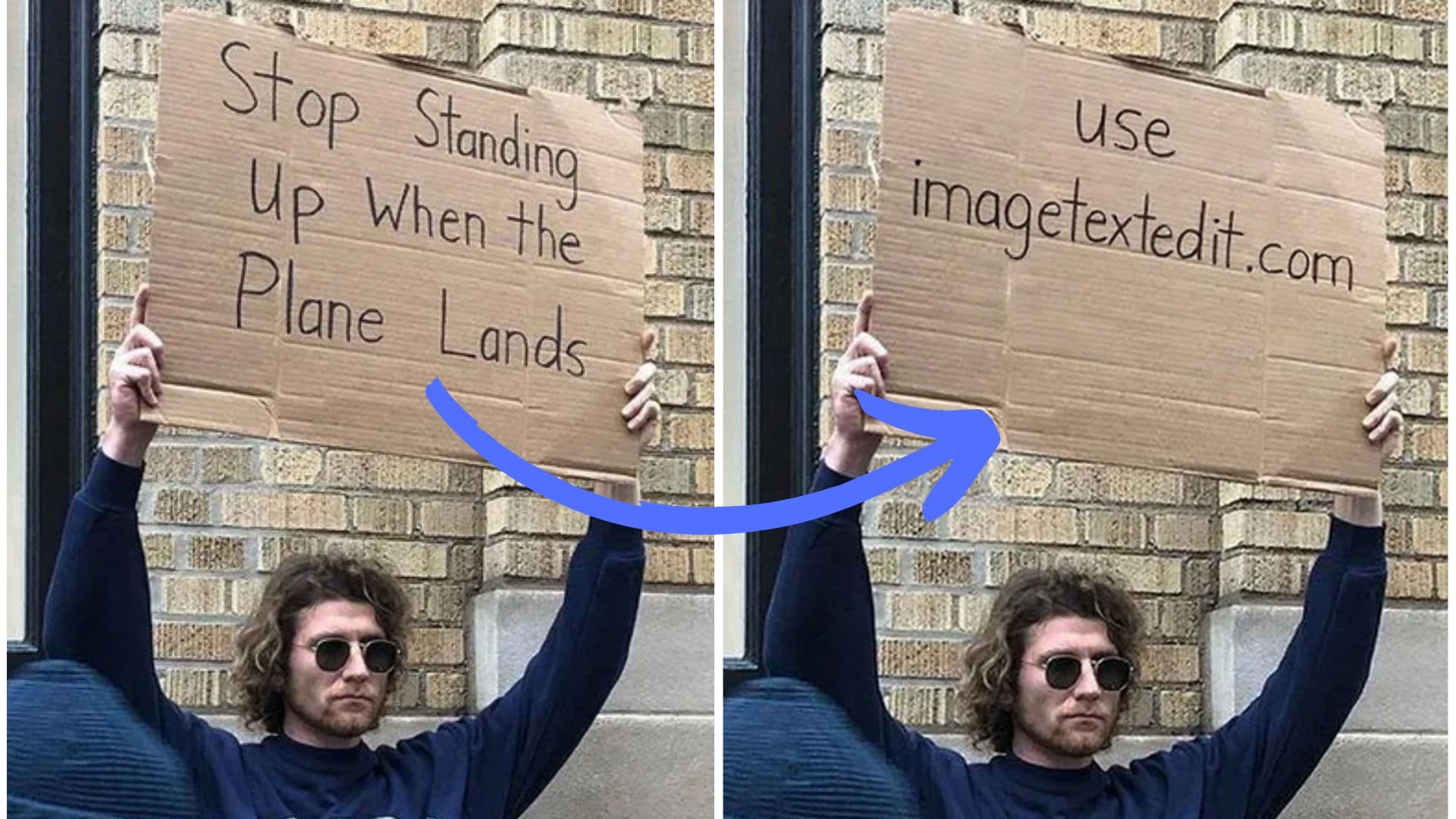
It just works! (80% of the time)
Designers, marketers, and founders rely on our fast AI text swaps to keep visuals fresh.
- 80,000+
- Active creators
- 100,000+
- Generations completed
- 4.0 / 5
- Success rate
How to Edit Text in Image
Follow these four simple steps. The entire process takes under a minute for most images.
Upload Your Image
Drag and drop any PNG, JPG, or WebP file into the editor. ImageTextEdit works well for product photos, screenshots, social posts, ad mockups, and AI-generated images.
Select the Text Area
Click and drag to draw a selection box around the text you want to change. The selection helps the AI understand exactly which part of your image needs editing.
Enter Your New Text
Type the replacement text in the input field. You can include style notes if you want the AI to adjust the look—for example, "make it bold" or "use a handwritten style."
Generate and Download
Click Generate to let the AI rebuild the image with your new text. Once you are happy with the result, download the finished image in full resolution.